

MiSTer FPGA IO Analog Pro Board | Analog Video & Audio
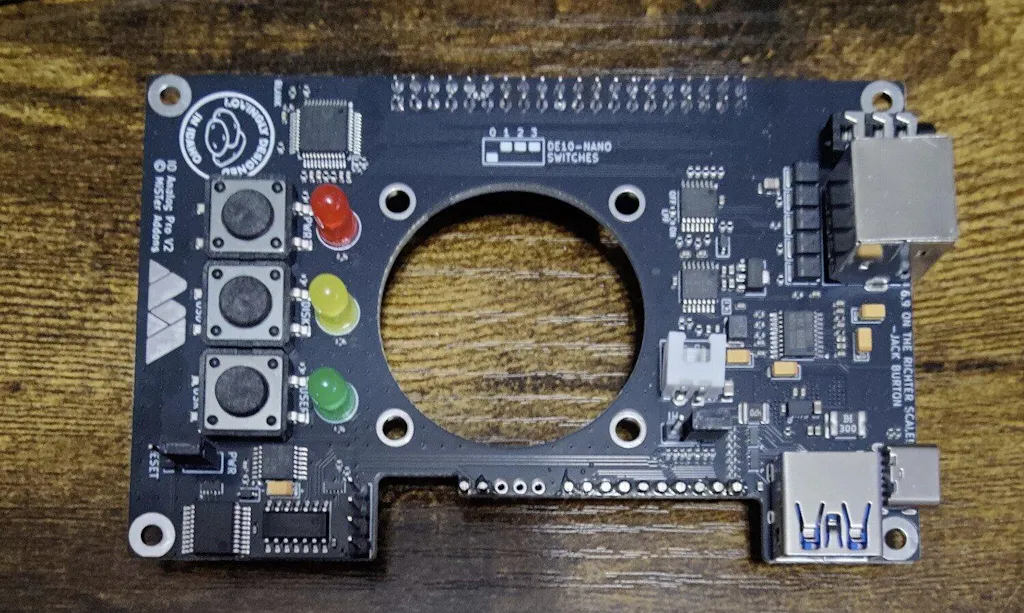
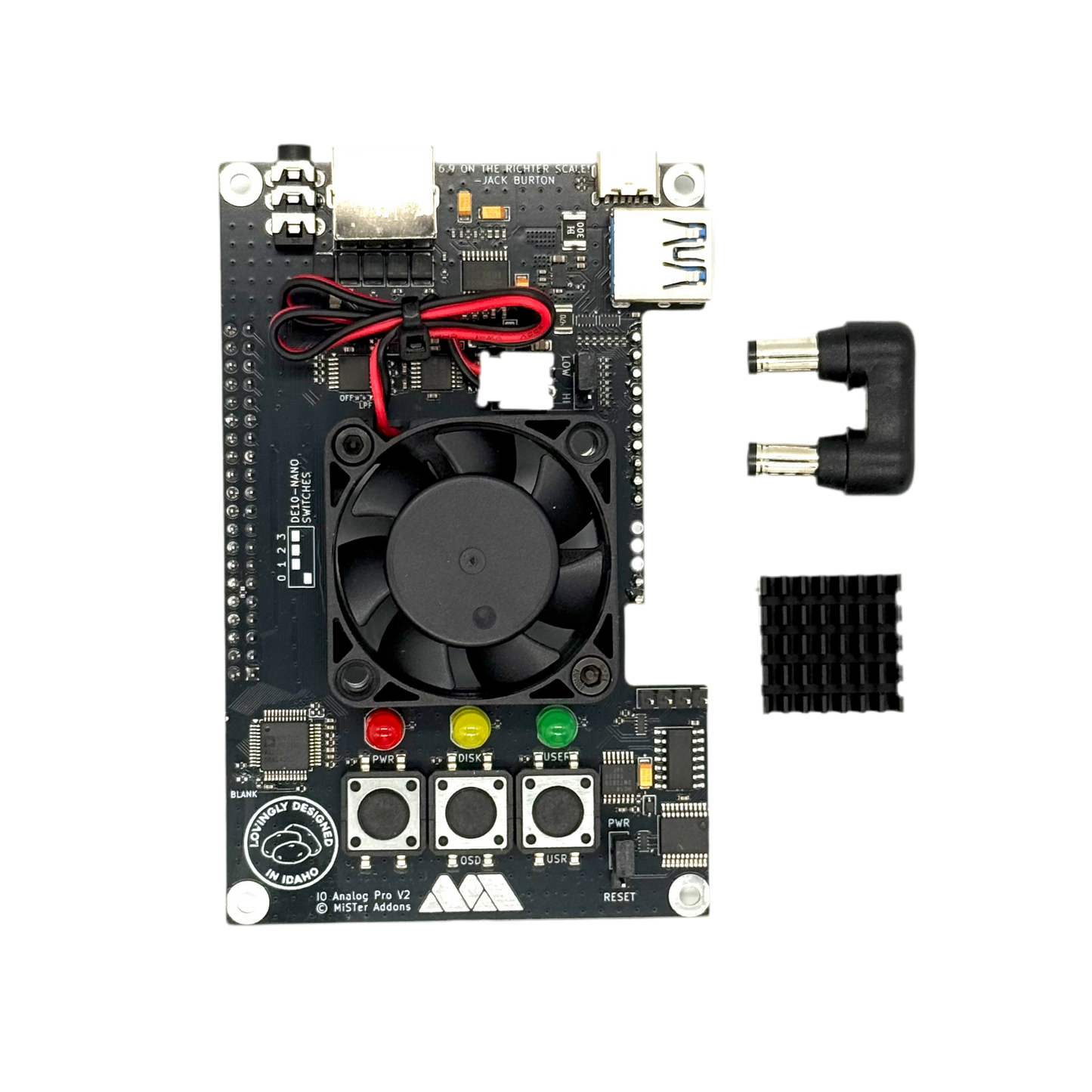
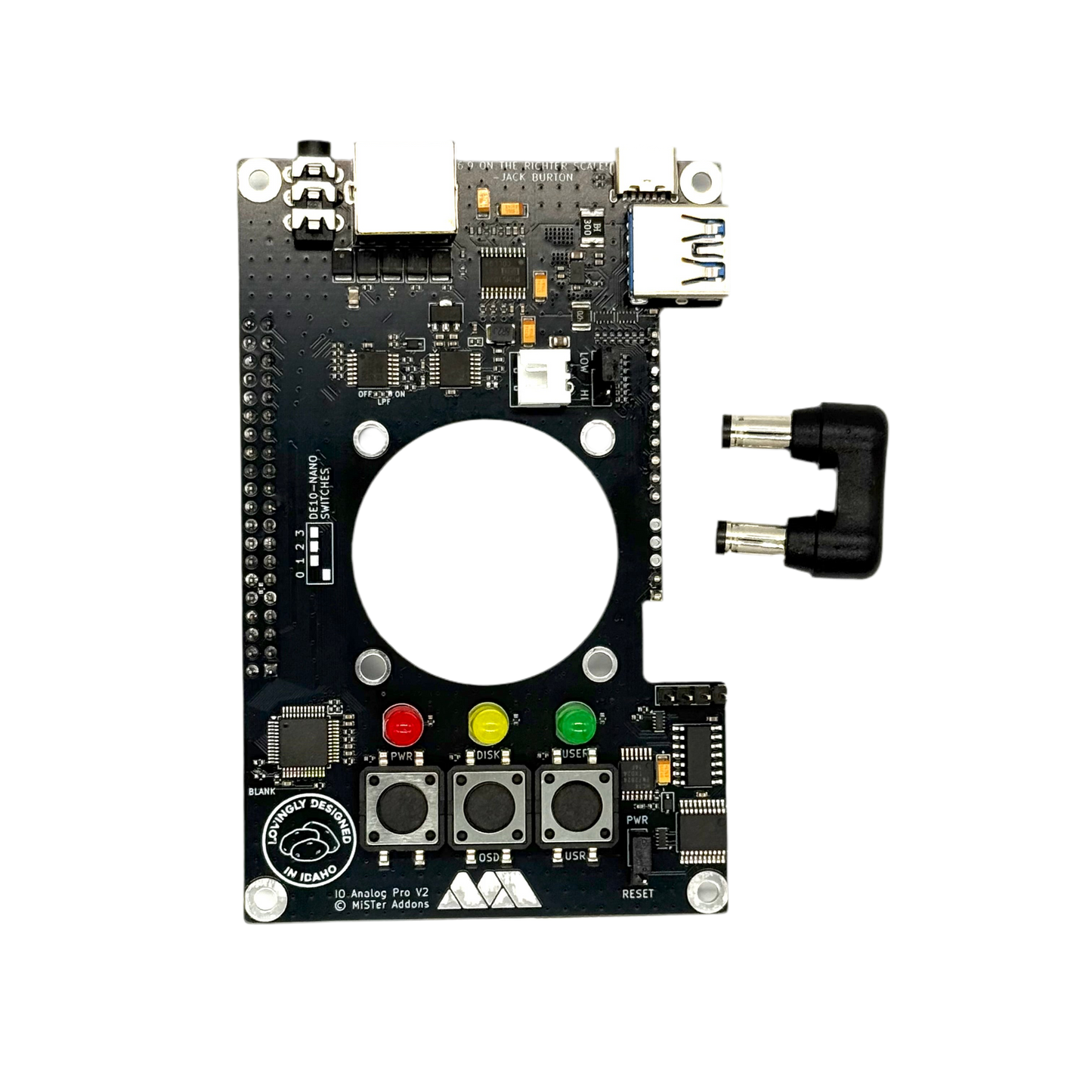
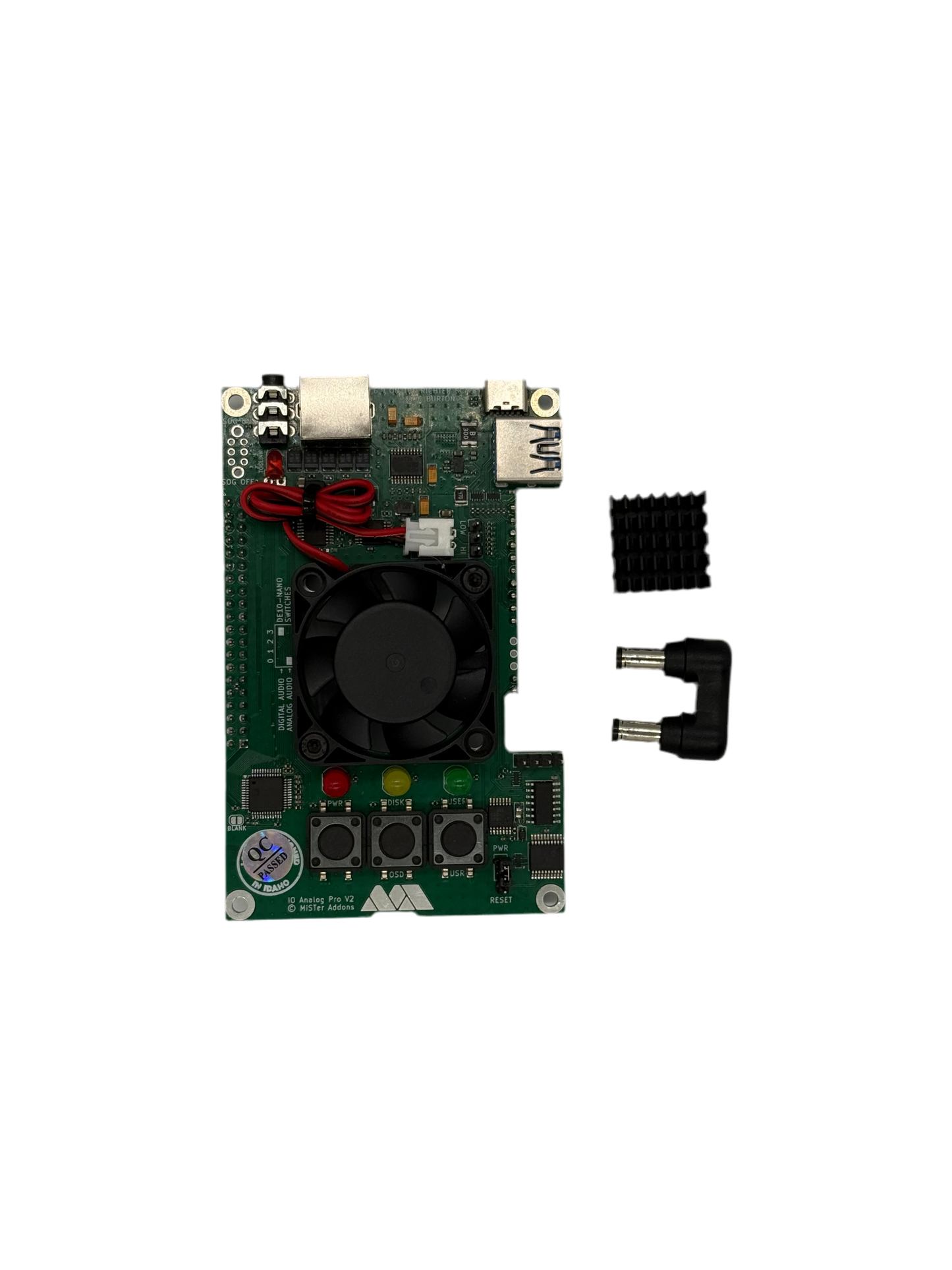
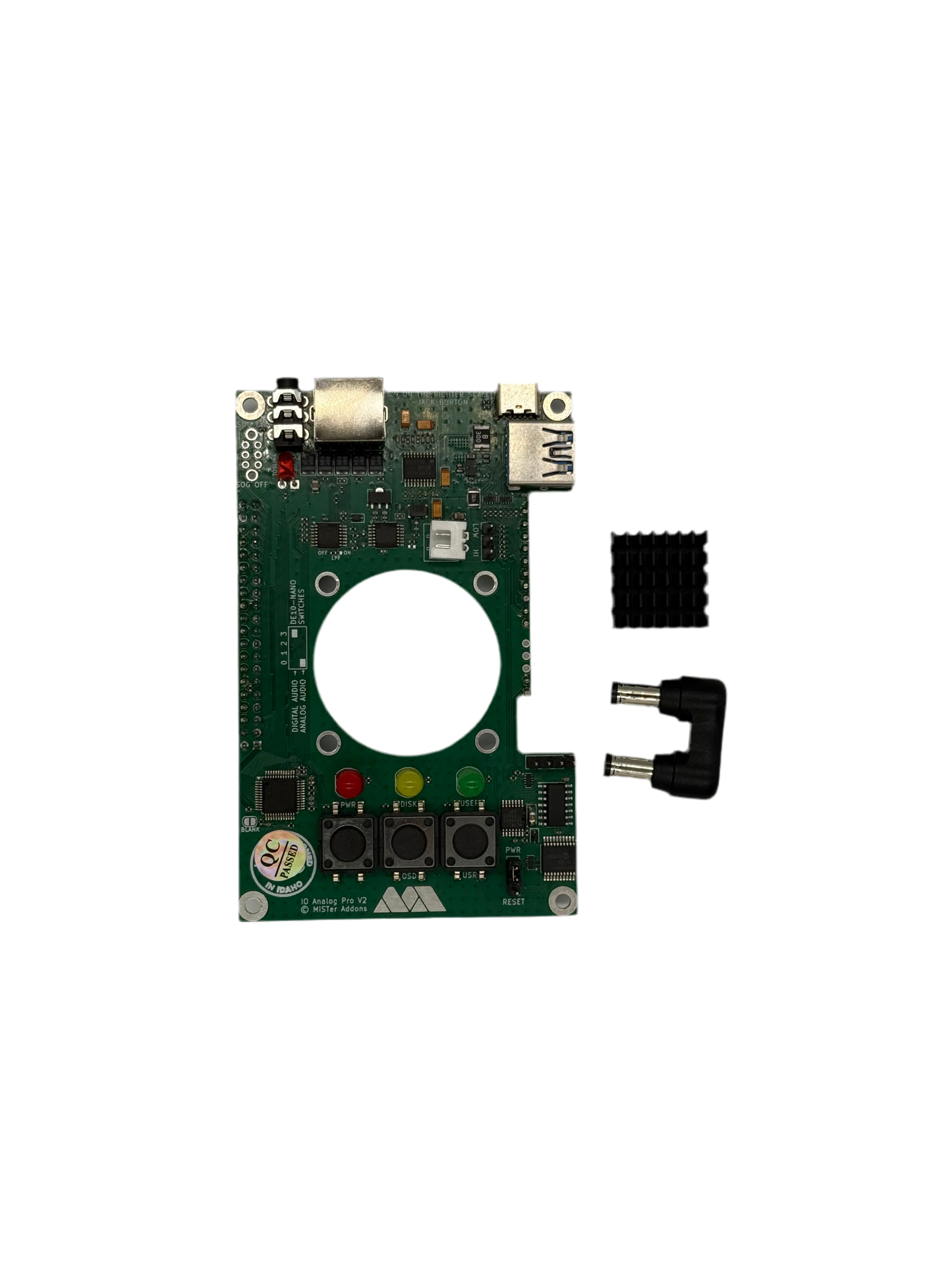
Unlock the analog potential of MiSTer FPGA with the IO Analog Pro! Featuring reference-quality analog video, crystal clear audio, soft power toggle, and compatibility with the Aluminum Armor case.
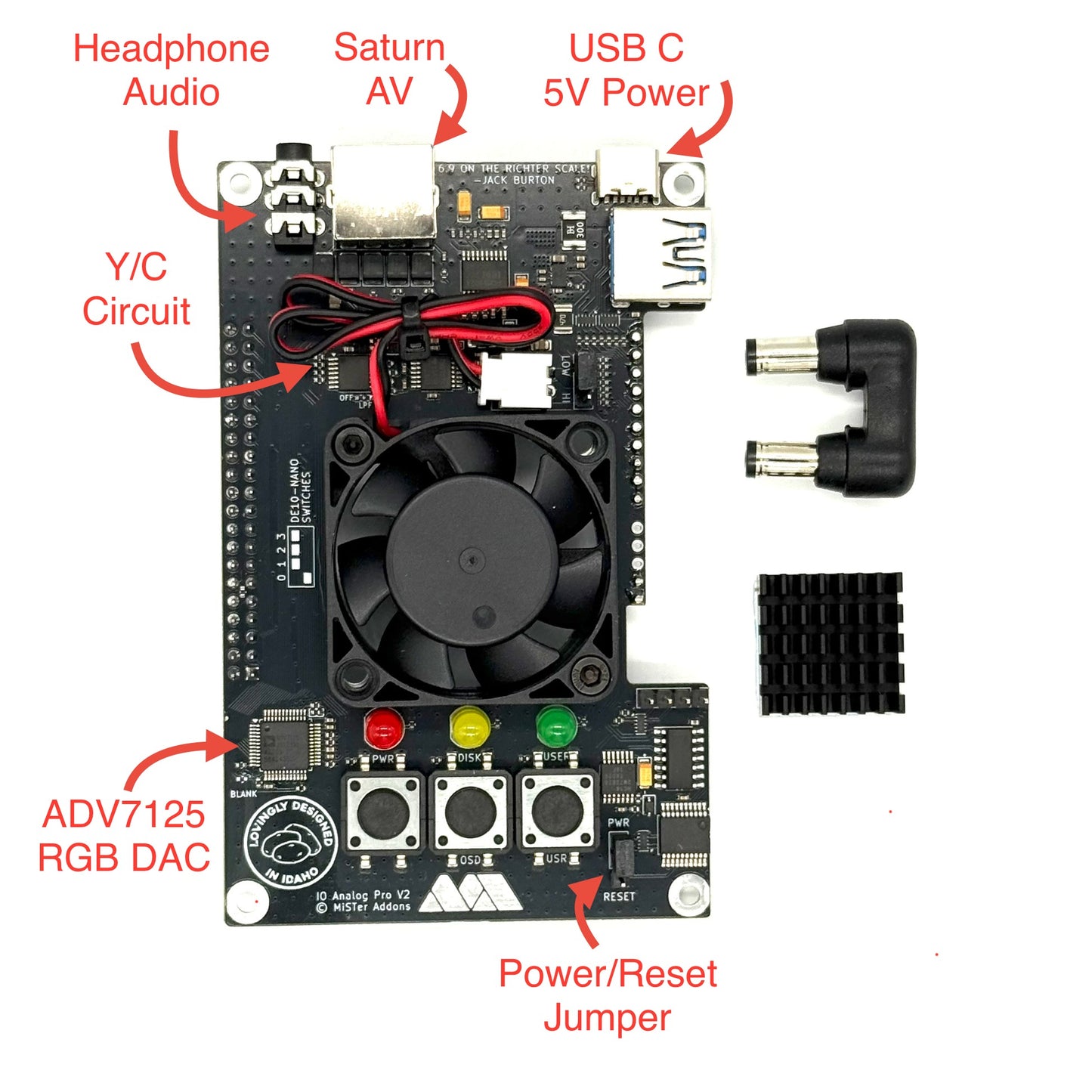
Video Output (via Sega Saturn AV port)
- RGBs with correct 700mV levels
- YPbPr component video
- S-Video (native YC core support)
- Composite video (native YC core support)
- Powered by ADV7125 24-bit Video DAC
Audio Output
- Hi-Fi analog audio via Saturn AV port
- 3.5mm headphone jack
Power
- USB-C power input (5V 2A minimum, 5V 3A recommended)
- Works with USB-A and USB-C cables
- Soft power toggle - no more pulling cables
Build Quality
- 1% or better tolerance resistors for extreme consistency
- Factory assembled and tested
- Fan + heatsink option available
Compatibility
Designed for the MiSTer Aluminum Armor case.
Choosing between IO Direct and IO Analog Pro?
- IO Analog Pro
- Uses GPIO-based RGB DAC for analog AV (simultaneous HDMI + Analog)
- Doesn't support dual SDRAM
- IO Direct
- Uses HDMI RGB DAC for analog AV (no simultaneous HDMI + Analog)
- Supports dual SDRAM
Choose IO Direct if: You want dual SDRAM support with either HDMI or analog video
Choose IO Analog Pro if: You want dual video output (CRT + HDMI simultaneously)
Configuration
MiSTer.ini:
- direct_video=1 or direct_video=2
- vga_mode=rgb or ypbpr or svideo
- composite_sync=1
- vga_sog=1 (for YPbPr)
- Toggle SOG switch to the on position for YPbPr
Audio selection switch:
-
Set DE10-nano switch SW0 (closest to the ethernet port)
- Outer position: SPDIF via 3.5mm
- Inner position: analog audio via 3.5mm
Reference MiSTer.ini settings
https://github.com/misteraddons/mister_ini/tree/main/Analog%20Video
MiSTer FPGA IO Analog Pro Board | Analog Video & Audio
Unlock the analog potential of MiSTer FPGA with the IO Analog Pro! Featuring reference-quality analog video, crystal clear audio, soft power toggle, and compatibility with the Aluminum Armor case.
Video Output (via Sega Saturn AV port)
- RGBs with correct 700mV levels
- YPbPr component video
- S-Video (native YC core support)
- Composite video (native YC core support)
- Powered by ADV7125 24-bit Video DAC
Audio Output
- Hi-Fi analog audio via Saturn AV port
- 3.5mm headphone jack
Power
- USB-C power input (5V 2A minimum, 5V 3A recommended)
- Works with USB-A and USB-C cables
- Soft power toggle - no more pulling cables
Build Quality
- 1% or better tolerance resistors for extreme consistency
- Factory assembled and tested
- Fan + heatsink option available
Compatibility
Designed for the MiSTer Aluminum Armor case.
Choosing between IO Direct and IO Analog Pro?
- IO Analog Pro
- Uses GPIO-based RGB DAC for analog AV (simultaneous HDMI + Analog)
- Doesn't support dual SDRAM
- IO Direct
- Uses HDMI RGB DAC for analog AV (no simultaneous HDMI + Analog)
- Supports dual SDRAM
Choose IO Direct if: You want dual SDRAM support with either HDMI or analog video
Choose IO Analog Pro if: You want dual video output (CRT + HDMI simultaneously)
Configuration
MiSTer.ini:
- direct_video=1 or direct_video=2
- vga_mode=rgb or ypbpr or svideo
- composite_sync=1
- vga_sog=1 (for YPbPr)
- Toggle SOG switch to the on position for YPbPr
Audio selection switch:
-
Set DE10-nano switch SW0 (closest to the ethernet port)
- Outer position: SPDIF via 3.5mm
- Inner position: analog audio via 3.5mm
Reference MiSTer.ini settings
https://github.com/misteraddons/mister_ini/tree/main/Analog%20Video