

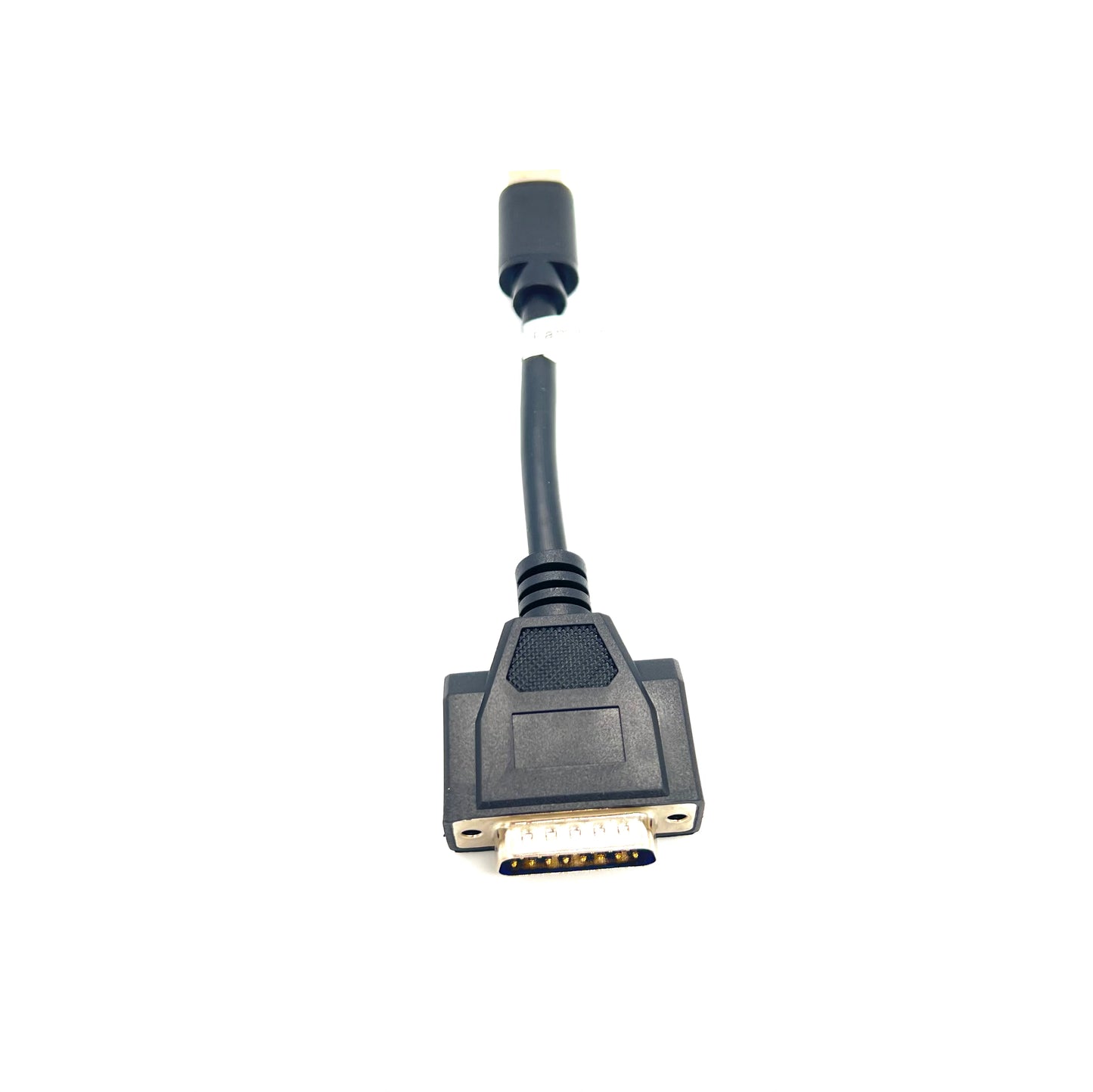
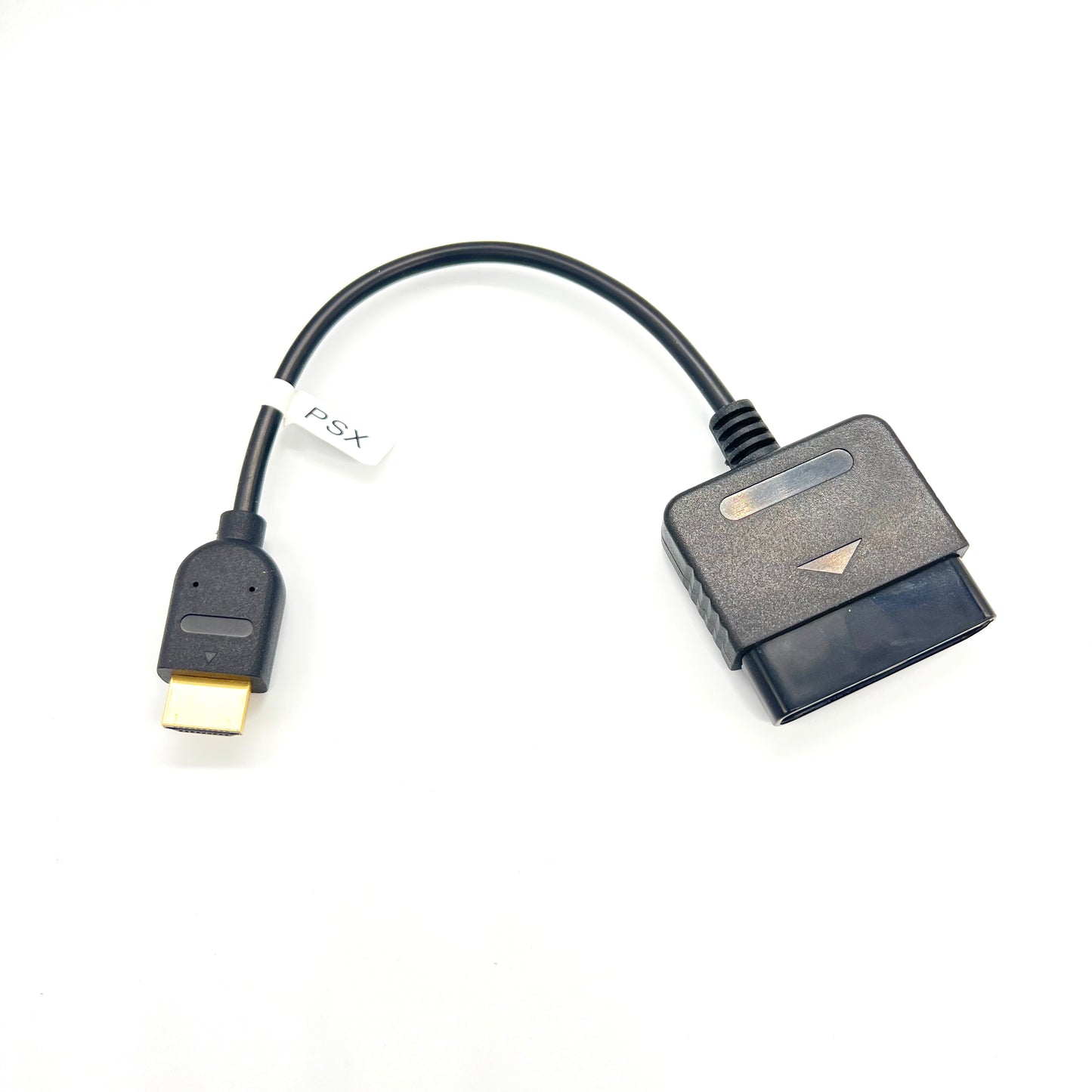
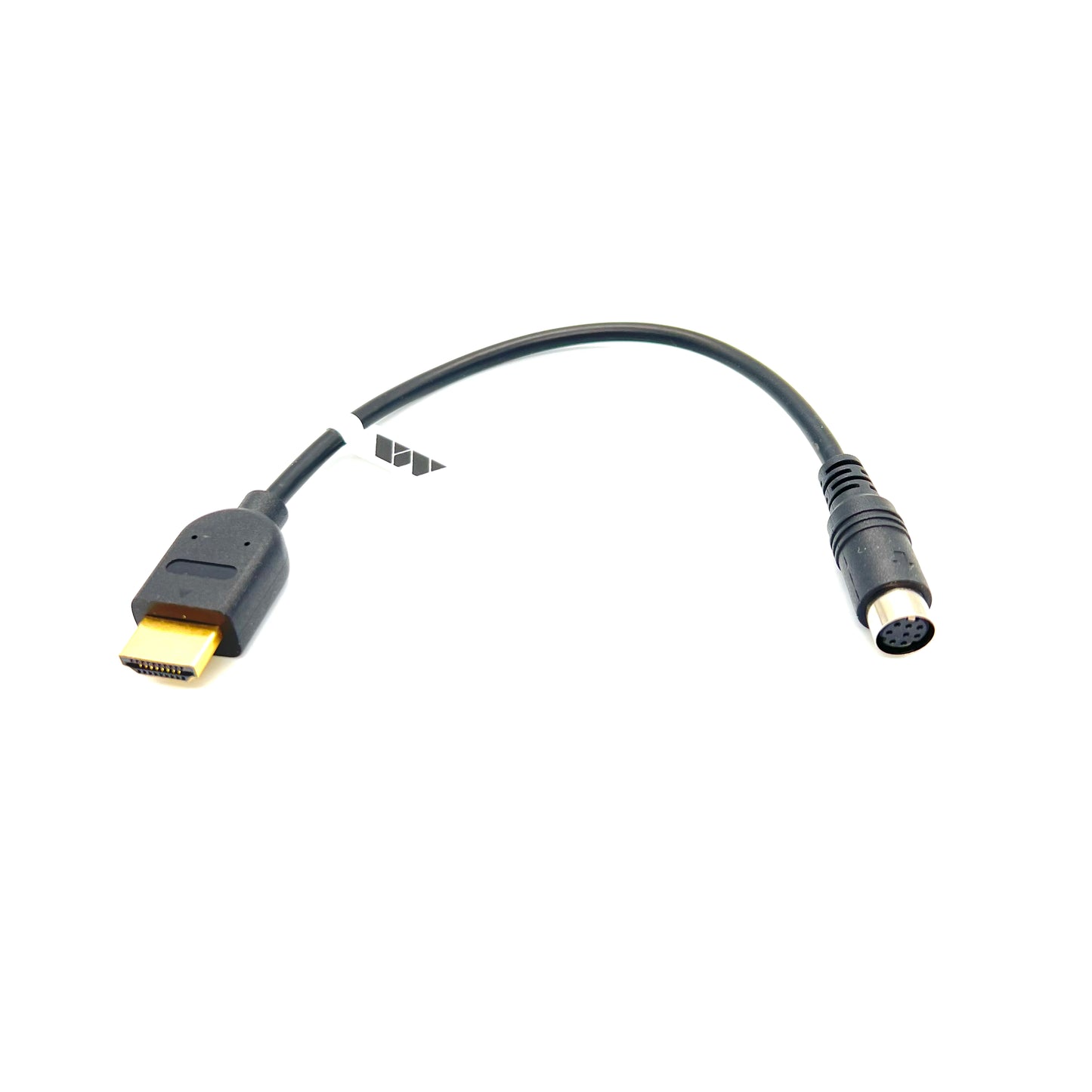
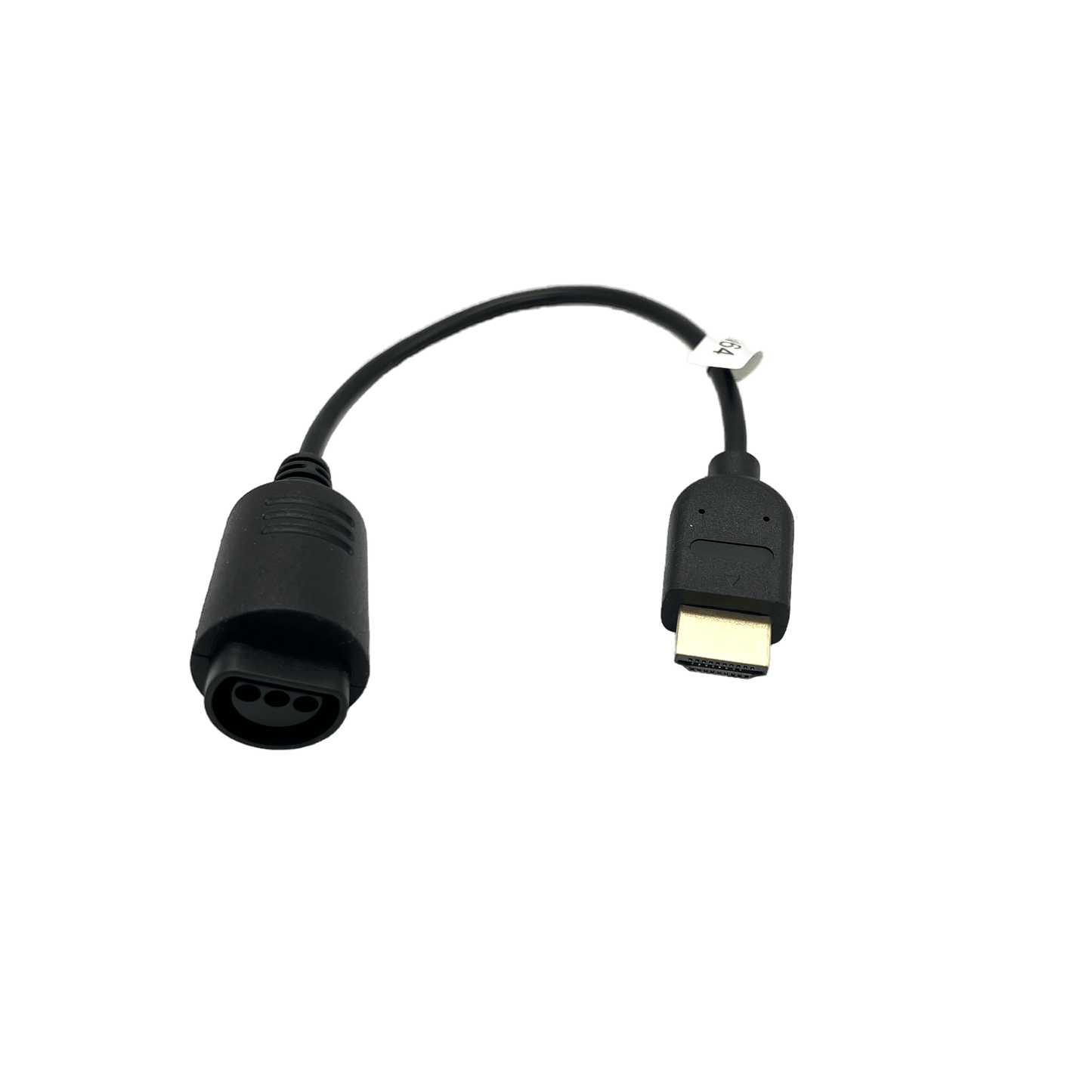
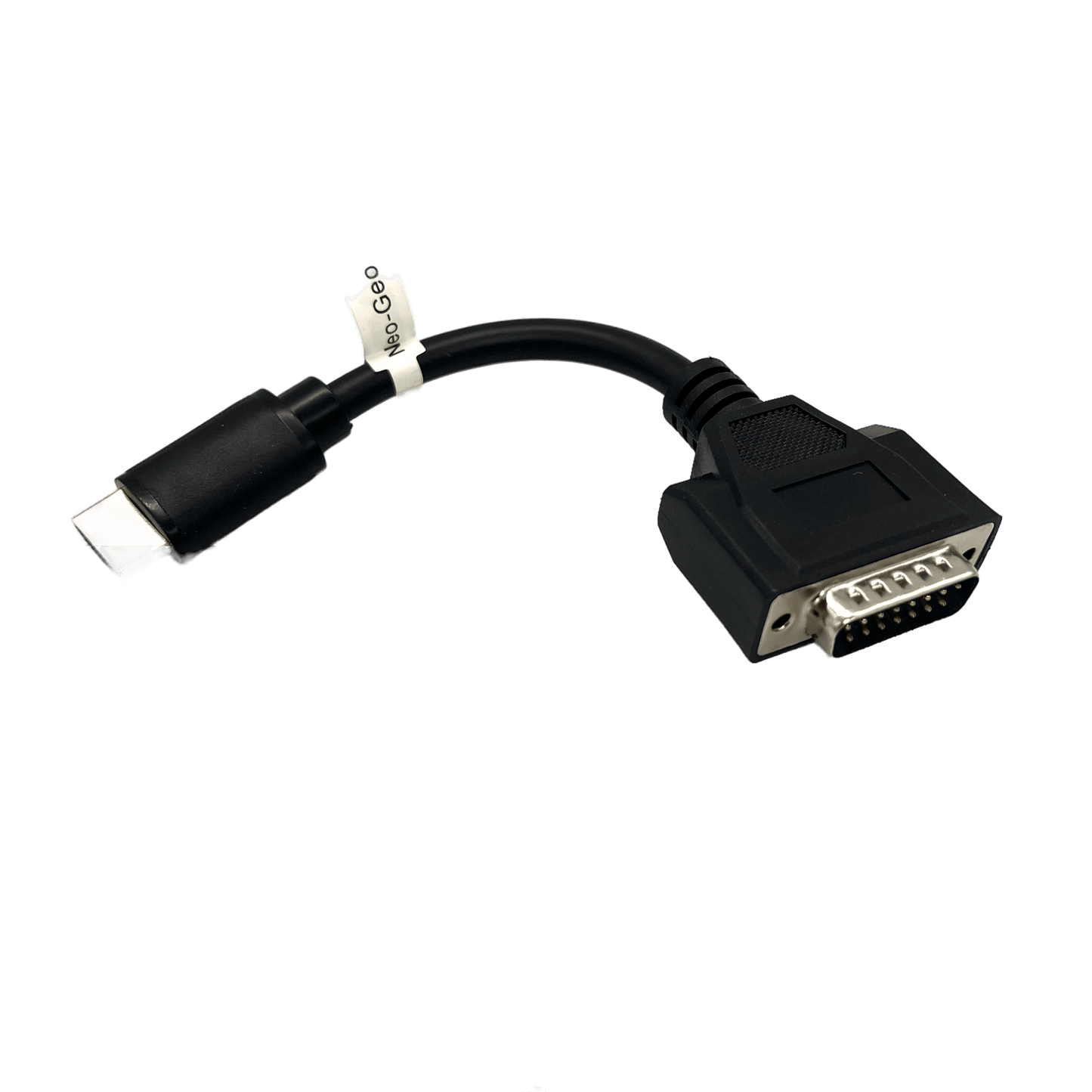
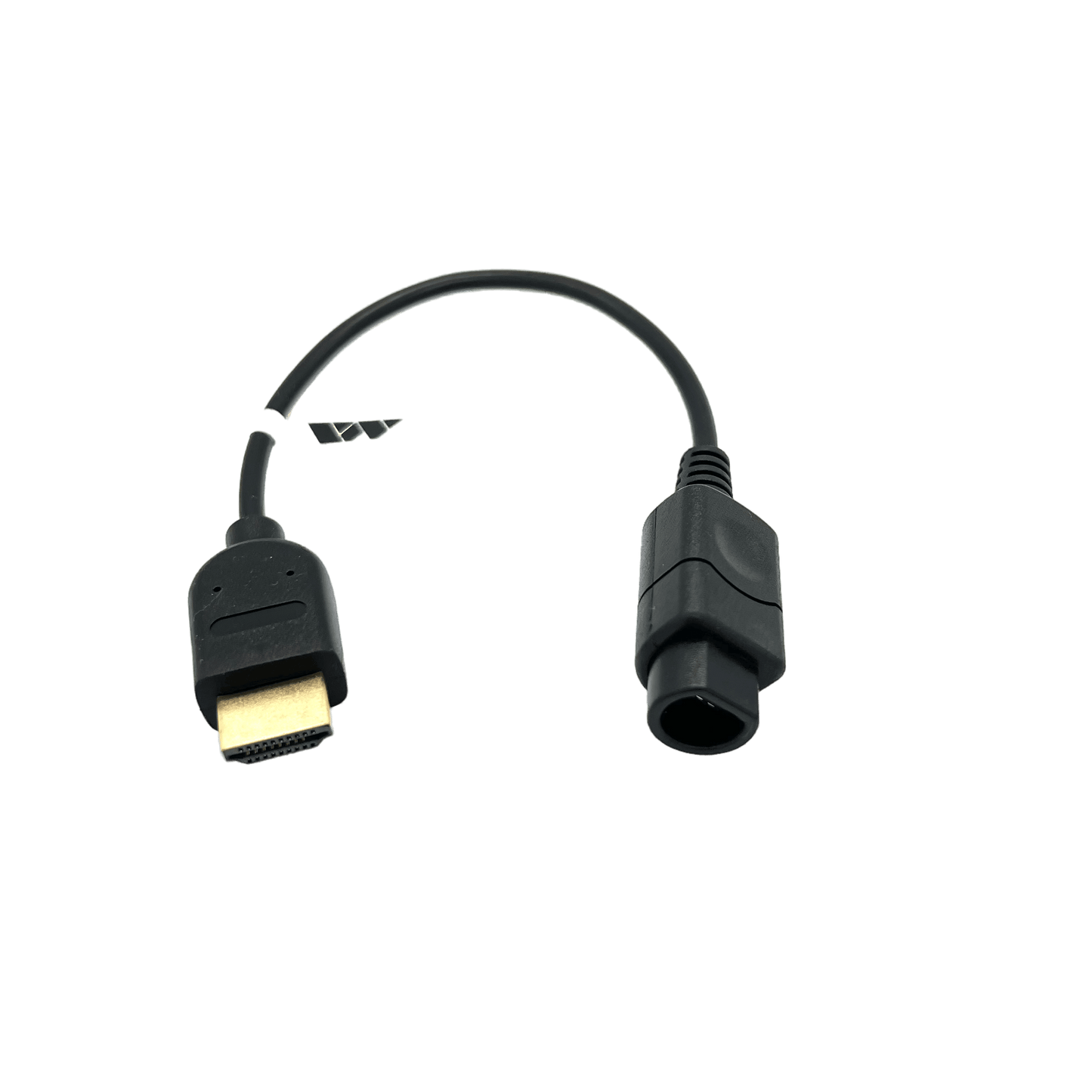
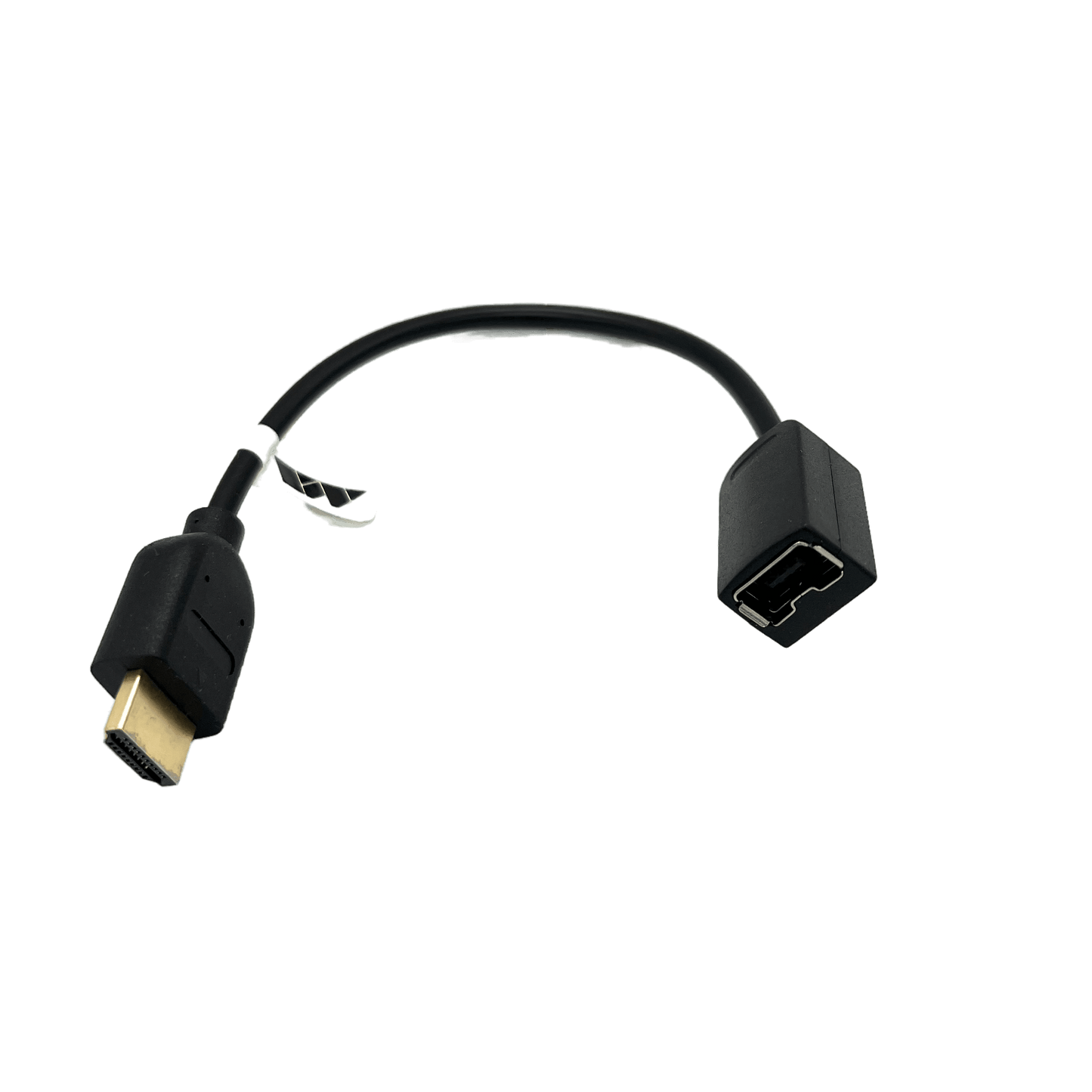
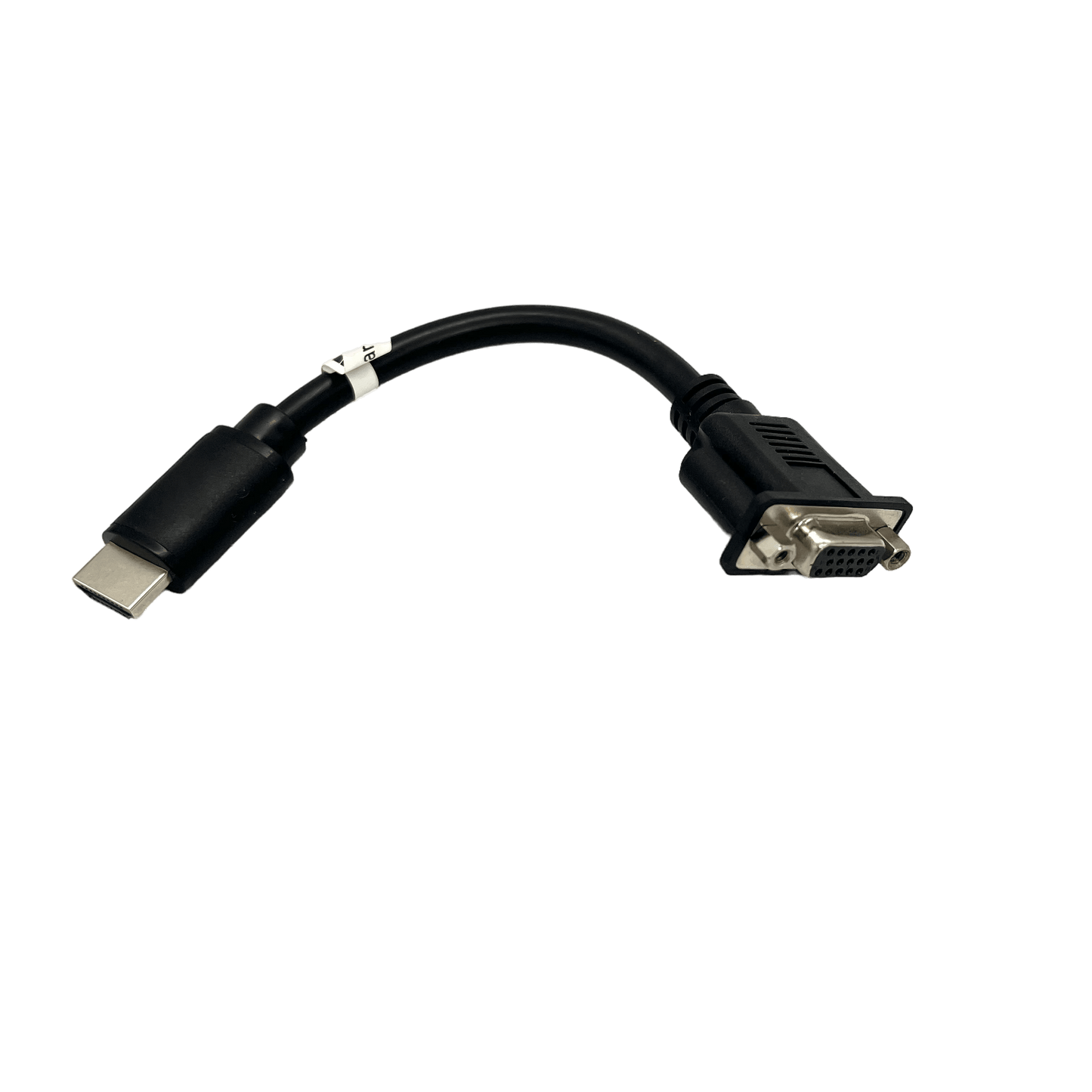
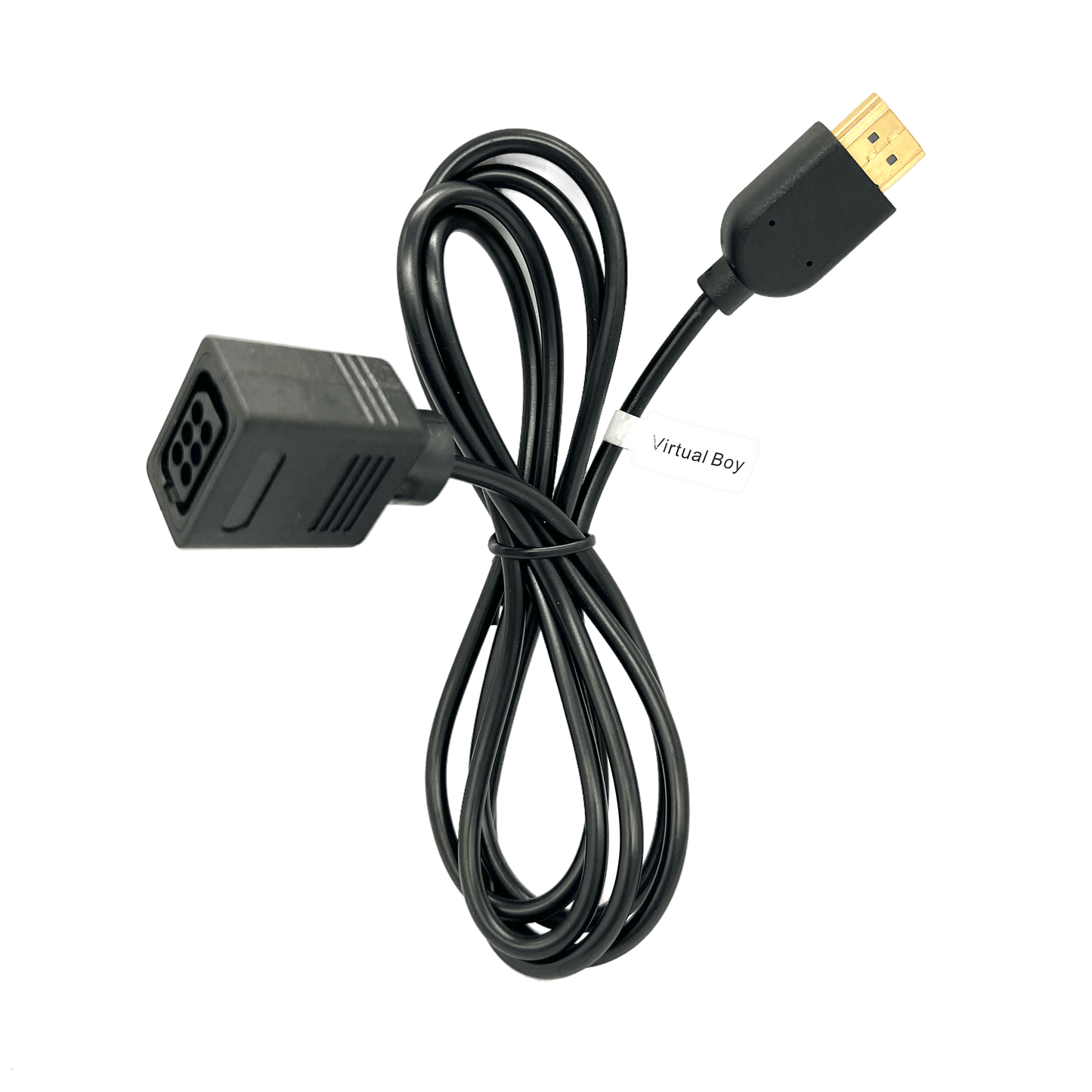


Controller Adapters (SNAC/SNAX/SNAX64/Reflex Adapt)
PSX AND N64 REQUIRE SNAX/SNAX64 or Reflex Adapt.
PC-Engine adapters are now in stock! Note that 6 button pads are not supported and Turbo doesn’t work 100% like the original console due to the fast response time required by the original hardware. If either of those are requirements you’ll want to look for dshadoff’s PC-Engine specific SNAC adapters.
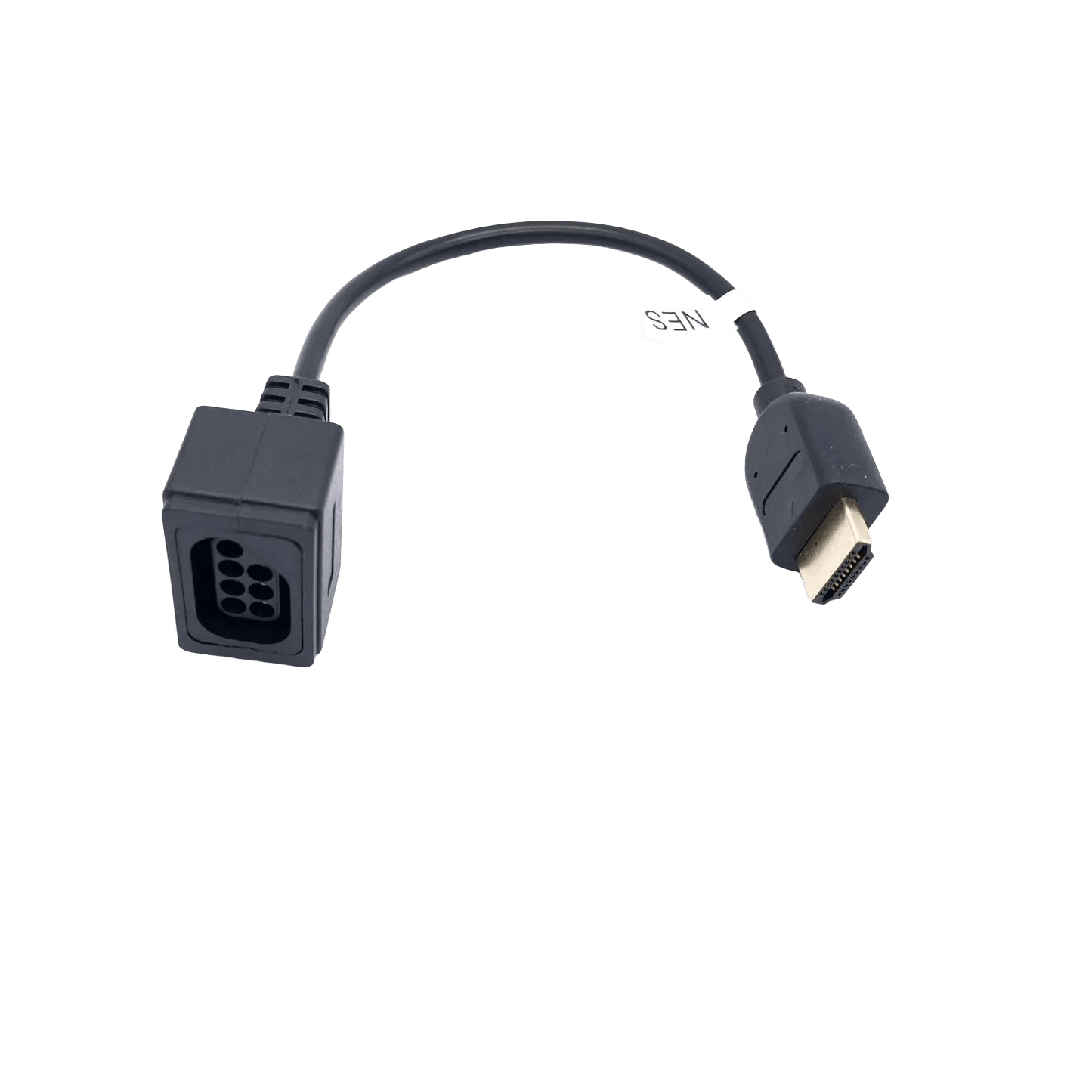
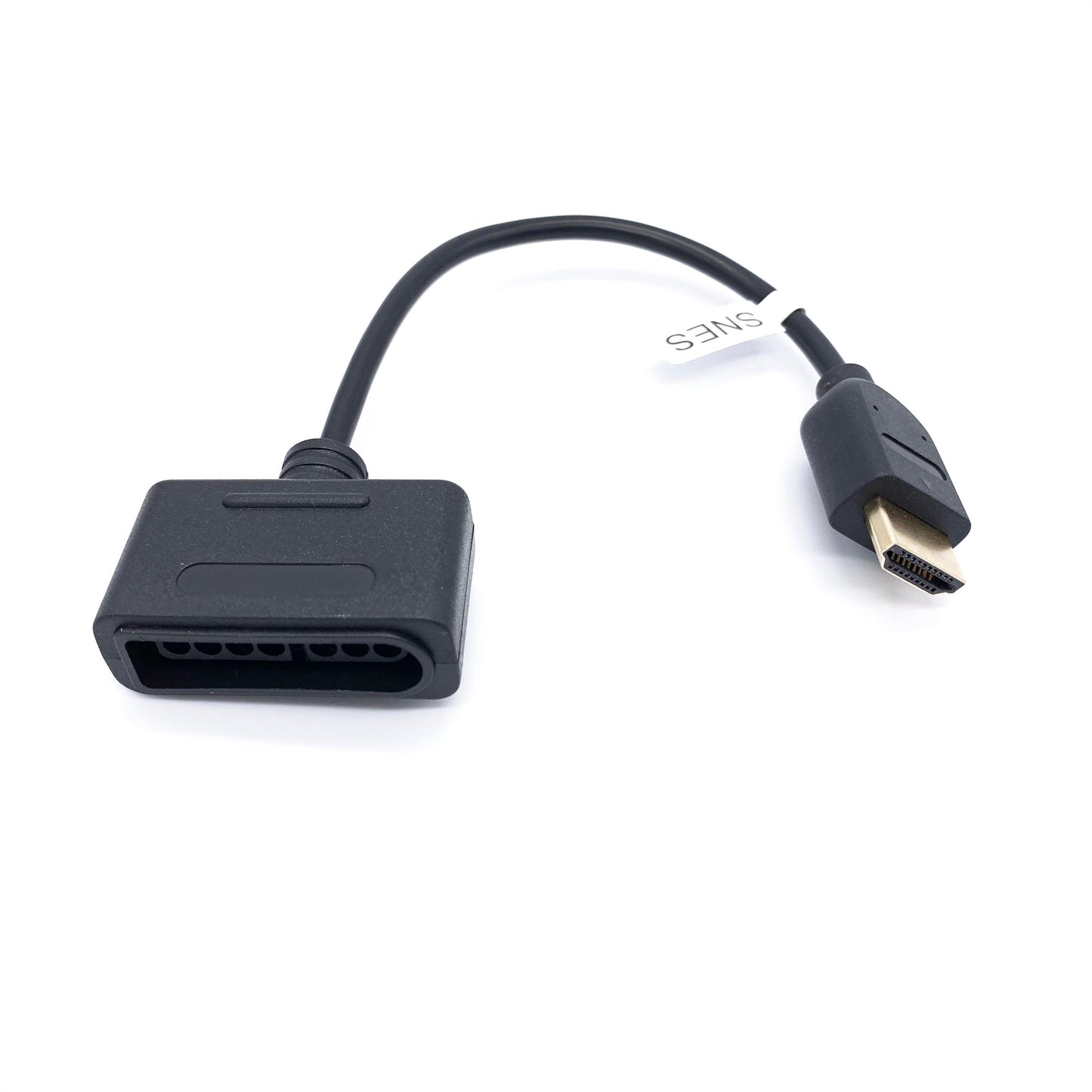
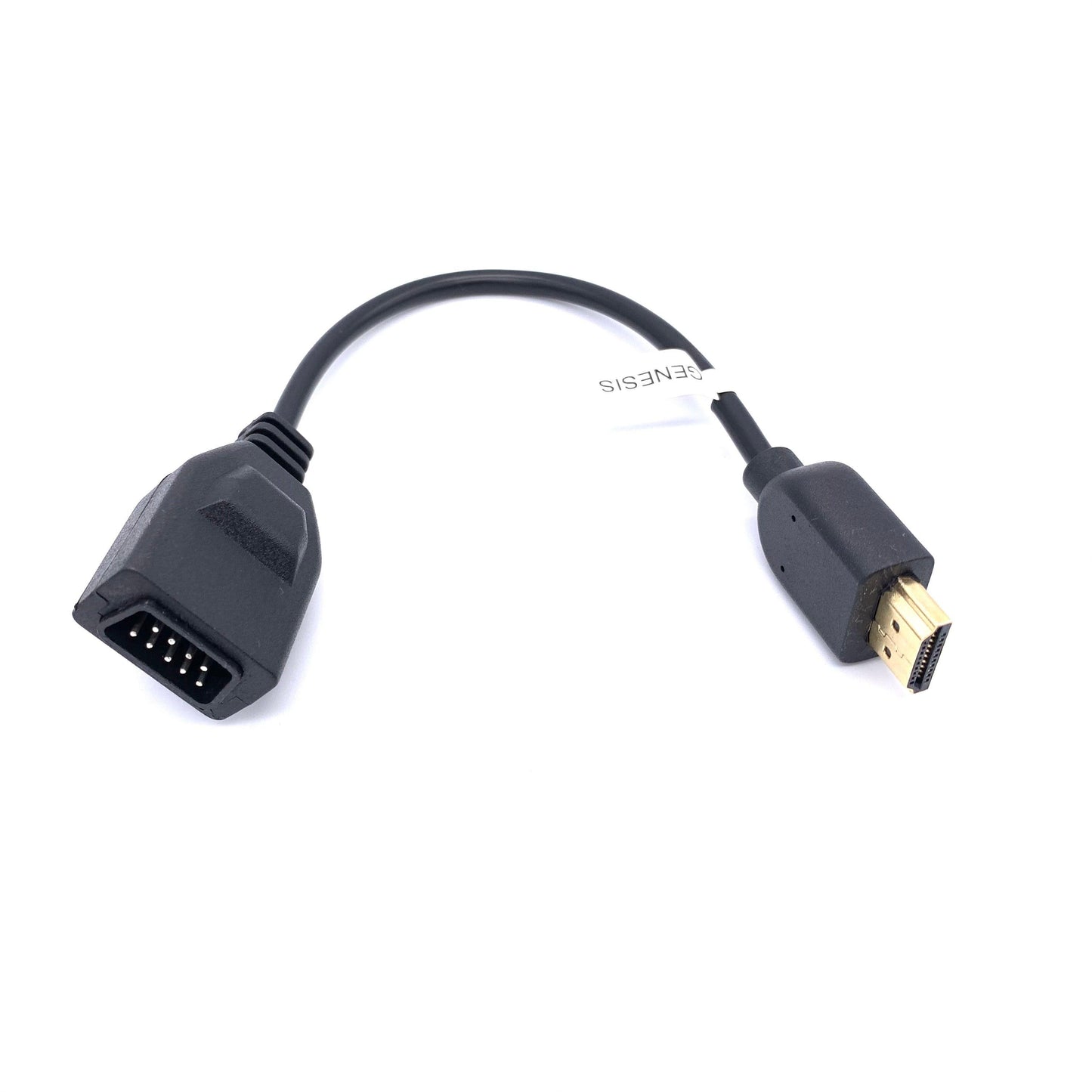
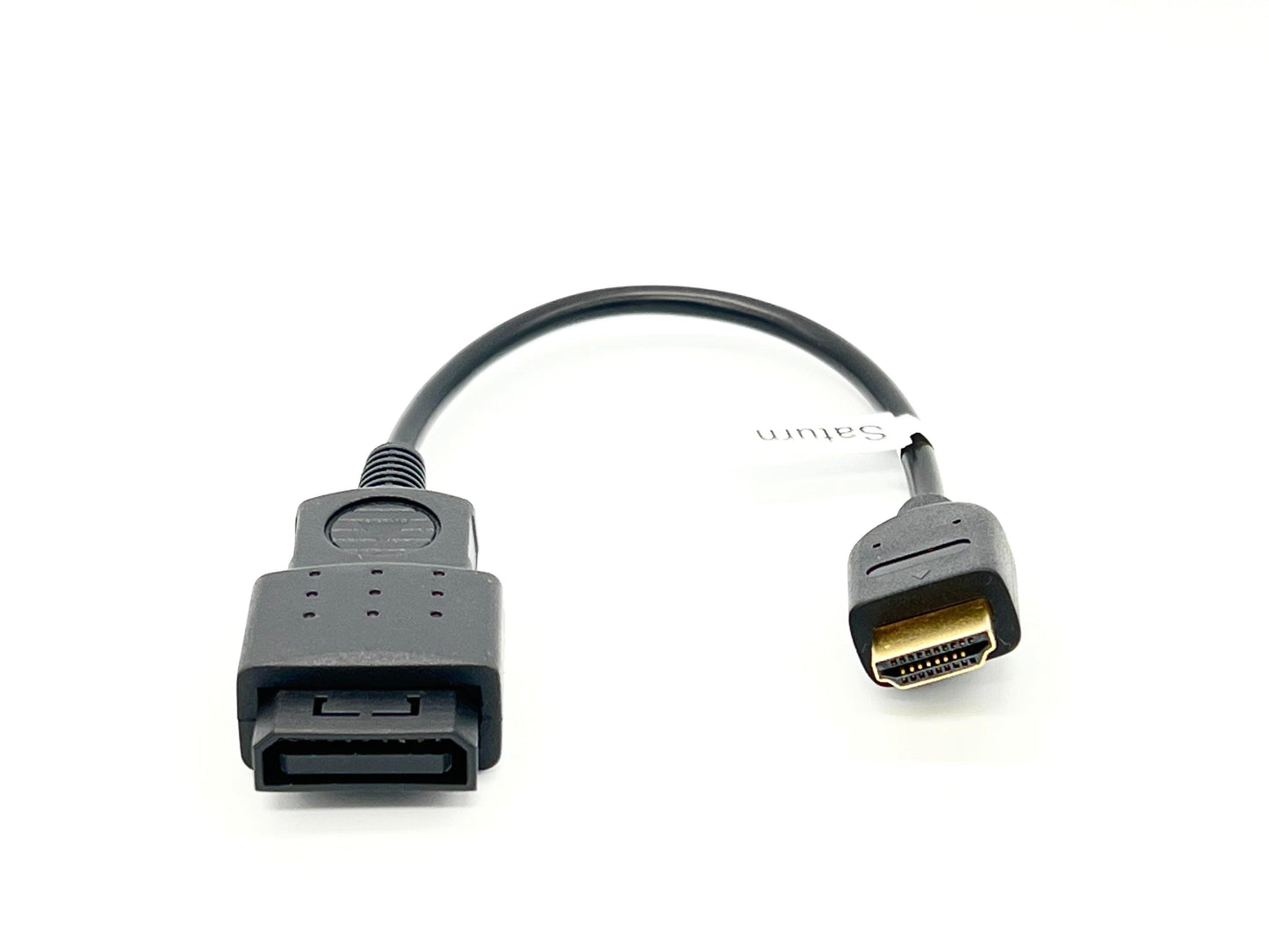
Use these to interface SNAC with your controller, light gun, or other peripheral.
All adapters are fully wired, including SNES.
The FAMICOM adapters work with external controllers and 3D glasses.
The PSX and N64 adapters will only work on SNAX and SNAX64 (newer versions of SNAC) and Reflex Adapt, but not SNAC.
For technical reasons, some of these adapters differ from their Bliss counterparts.
Saturn adapters can be tight. If controller isn't responding, try backing off the controller connector 1mm from the adapter connector.
Troubleshooting
Controller not responding?
1. Enable SNAC in the core's OSD menu (must do for each core)
2. Test controller on original hardware to confirm it works
3. Ensure adapter is fully seated
Genesis/Mega Drive adapter not working?
Genesis SNAC requires IO Board V6.1+, IO Analog Pro, or IO Direct. Older IO boards don't support Genesis SNAC.
PlayStation or N64 not working on SNAC V1?
PlayStation and N64 require SNAX or SNAX64.
Controller Adapters (SNAC/SNAX/SNAX64/Reflex Adapt)
PSX AND N64 REQUIRE SNAX/SNAX64 or Reflex Adapt.
PC-Engine adapters are now in stock! Note that 6 button pads are not supported and Turbo doesn’t work 100% like the original console due to the fast response time required by the original hardware. If either of those are requirements you’ll want to look for dshadoff’s PC-Engine specific SNAC adapters.
Use these to interface SNAC with your controller, light gun, or other peripheral.
All adapters are fully wired, including SNES.
The FAMICOM adapters work with external controllers and 3D glasses.
The PSX and N64 adapters will only work on SNAX and SNAX64 (newer versions of SNAC) and Reflex Adapt, but not SNAC.
For technical reasons, some of these adapters differ from their Bliss counterparts.
Saturn adapters can be tight. If controller isn't responding, try backing off the controller connector 1mm from the adapter connector.
Troubleshooting
Controller not responding?
1. Enable SNAC in the core's OSD menu (must do for each core)
2. Test controller on original hardware to confirm it works
3. Ensure adapter is fully seated
Genesis/Mega Drive adapter not working?
Genesis SNAC requires IO Board V6.1+, IO Analog Pro, or IO Direct. Older IO boards don't support Genesis SNAC.
PlayStation or N64 not working on SNAC V1?
PlayStation and N64 require SNAX or SNAX64.


